

September 2026: pop-ups for your offers and announcements
Display offers in pop-ups, collect donations and create several pages with Assistant Vivlab. There are also new options for managing subscriptions and exploring your sales statistics.
At a glance
- Pop-ups: customizable windows for offers, sign-ups and announcements, with control over pages, triggers and frequency.
- Donations: suggested or custom amounts, one-time or recurring contributions, and email confirmation.
- Assistant Vivlab and pages: create several pages in one conversation or import an existing page.
- Shop management: assistants in your management screens, with proposed changes for you to approve.
- Customer subscriptions: cancellation from Vivlab or the member area, taking effect at the end of the paid period.
- Sales statistics: custom date ranges and rankings by product, customer, destination and shipping method.
- Website customization: scrolling text, custom cursors with a trail, and a dark logo option for each block.
- Other improvements: countdowns, Mondial Relay options, mobile navigation and video tutorials.
Pop-ups for your offers and announcements
The Pop-up section lets you display an offer, an announcement or a newsletter sign-up on your site. Start with a template or a request to Assistant Vivlab, then customize the window in the editor and check its desktop and mobile previews before publishing.
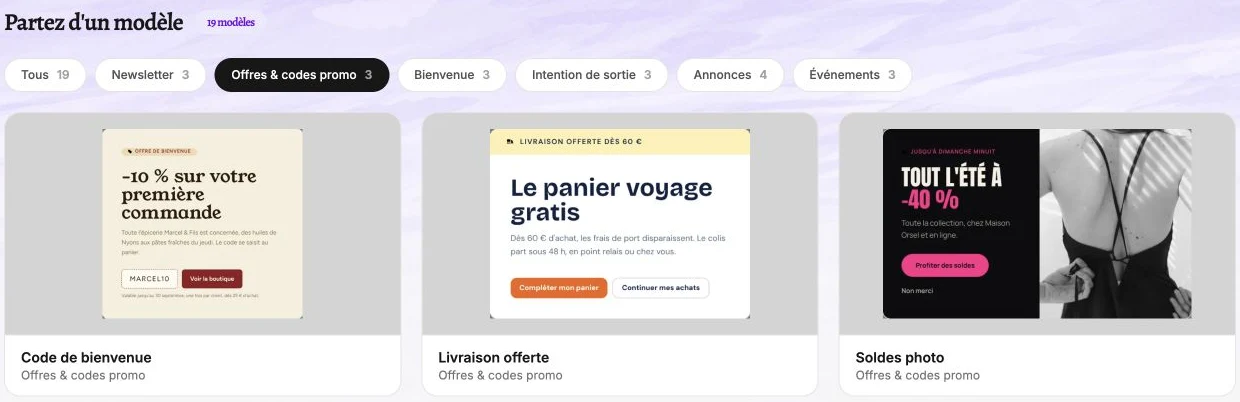
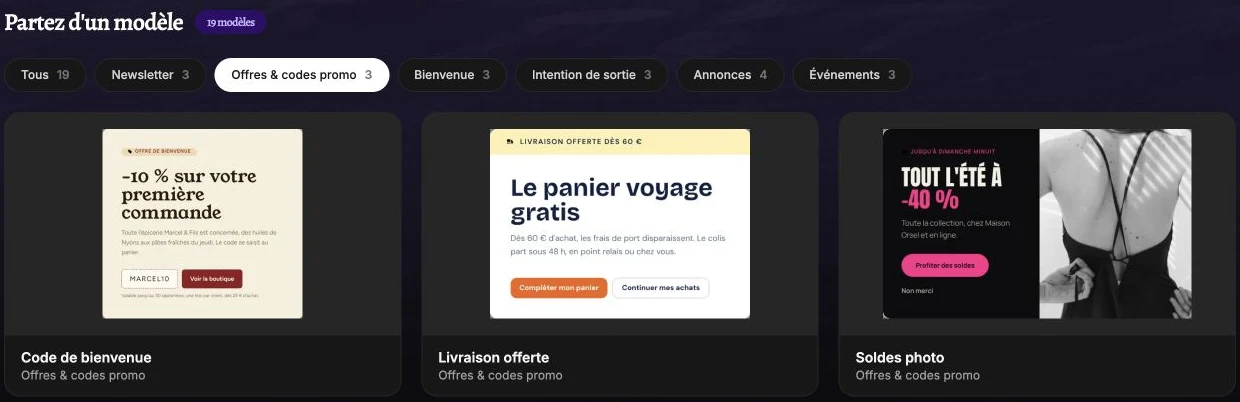
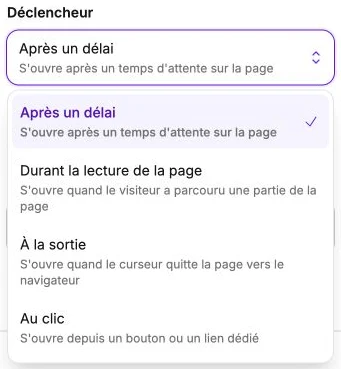
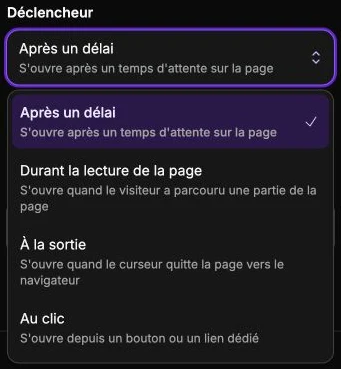
Choose the pages and devices, display frequency and trigger: after a delay, while scrolling, on exit on desktop or on click. Pop-ups do not overlap. To remove one from your site, disable it and publish again; a countdown does not disable it automatically.
Collect one-time or recurring donations
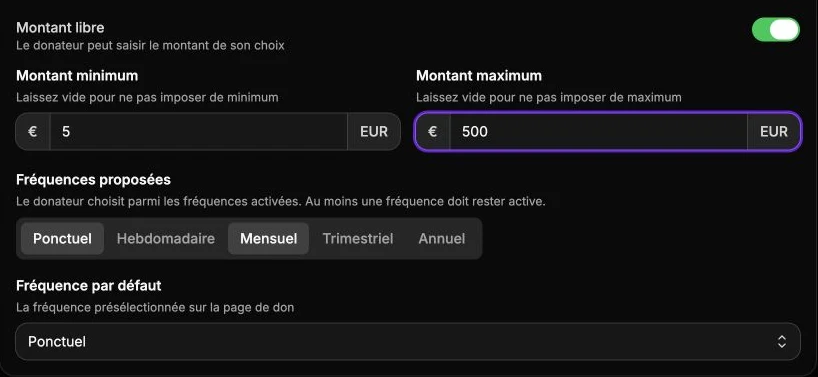
Donation product pages offer suggested amounts with a short explanation, or a custom amount with optional limits. Donors choose from the frequencies you allow: one-time, weekly, monthly, quarterly or yearly.
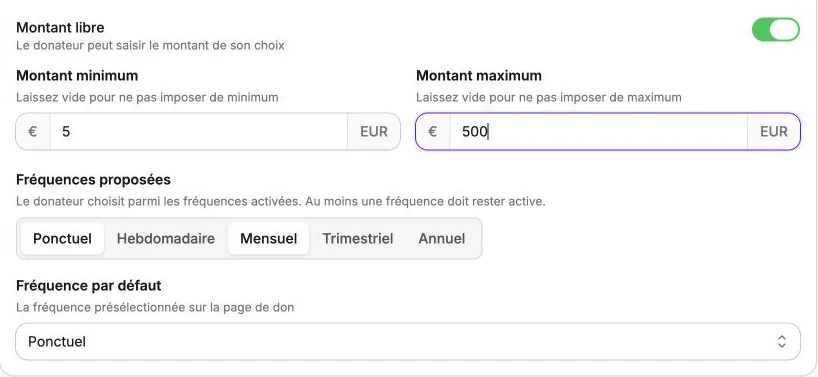
Recurring donations are charged automatically and can be tracked in Subscriptions and in registered donors' member areas. A badge identifies donation orders, and you can customize the Donation confirmation email in your automatic emails.
Create several pages with Assistant Vivlab
In Pages, ask for a home page and a contact page in the same conversation, or several suggestions for a single page. They appear together in the preview: select the one to refine, then choose which pages to save. You publish them from the editor when they are ready.
You can also import an existing page from its URL. Its text, images and layout become editable blocks; its forms and dynamic catalog are not imported.
Assistants in your management screens
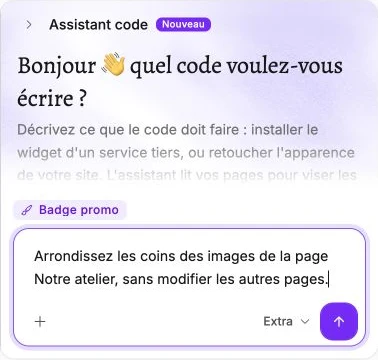
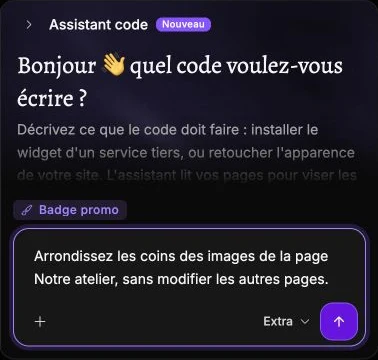
Assistant Vivlab helps you manage products, orders, categories, filters, coupons and shipping. It answers questions and prepares changes for you to review before confirming. It can also write CSS or JavaScript in Codes and suggest price, stock or handling-time changes for the Amazon catalog.
Manage your customers' subscriptions
You can request cancellation from a subscription's details or, when customer accounts are enabled, from the member area. It takes effect at the end of the period already paid for, with a customizable confirmation email.
Product pages and the cart alert members to existing subscriptions to help avoid duplicates. In the dashboard, you can access the member's record and billing address, and filter subscriptions by status. You can also confirm shipment of paid subscription orders.
Detailed sales statistics
Statistics on the Home page let you set your own start and end dates to review a campaign or event.
Rankings show products by revenue, with quantities sold, customers by spending, sales by destination and orders by shipping method. Geographic detail extends to regions and cities where data is available. Open the lists to see beyond the top ten results.
Scrolling text and custom cursors
In the editor, Marquee scrolls your messages in a continuous loop. Choose their spacing, direction, speed, color and font. You can fade the edges and add a wave, with separate controls for height, length, speed and letter tilt.
In Themes, choose from 20 cursor designs or upload your own image. An optional trail leaves fading copies of the cursor, with controls for size, duration, spacing, opacity and glow. Disabling it clears its settings.
You can also upload a dark logo in Themes and select it for individual Site logo blocks. The main logo remains available for other placements.
Other improvements
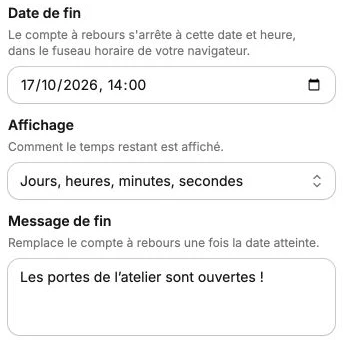
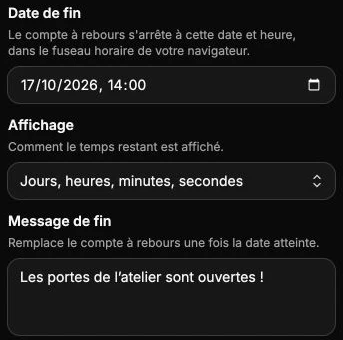
- Editor: a Countdown block with an end message, clickable logos, and options to add or remove brand colors.
- Images: SVGs remain vector images; HEIC files can be imported through Safari on Mac, iPhone or iPad when decoding is supported. You can also drag attachments into requests to the assistant.
- Orders: search matches the names of ordered products. Faire orders show stock synchronization information.
- Mondial Relay: parcel dimensions, insurance, estimated costs and a pickup-point map when creating a label.
- Dashboard: reorganized navigation, screens better adapted to phones, and a reminder of the vacation mode end date.
- Getting started: guided tours for new accounts, captioned video tutorials, and company details prefilled from the French SIRENE directory.
Learn more
Read the Pop-up guide to prepare your first window, and the Products and Subscriptions guides for shop settings. If you have a question, send us a support request.