Site logo
The Site logo element inserts the main logo set in your Themes. Editing the logo here automatically updates every surface where it appears (website, invoices, emails, receipts, social). The update is immediate, without waiting for the site to be published.
Edit the logo
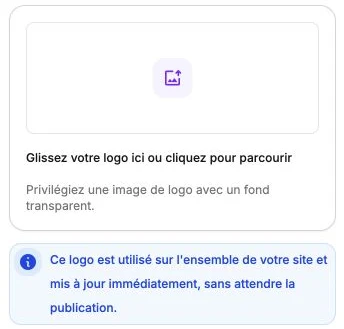
The side panel shows the logo preview: click it or drop a file on it to replace it. Once a logo is imported, the Shared logo mention recalls how many surfaces use it, with a preview of each on hover. Prefer a high-resolution file with a transparent background so it integrates cleanly everywhere.
You'll find the same section on the Themes page of the dashboard: both places edit the same value.