

Button action
Button actions are buttons already set up for the site's native features: opening the mobile menu, accessing the e-commerce cart, opening the search bar or accessing the customer account. Unlike a regular button, their action is fixed and not configurable.
Colors (mobile menu only)
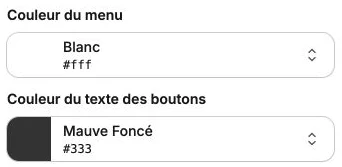
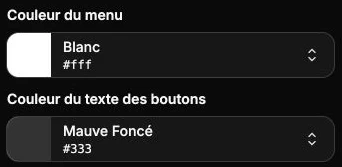
For the Mobile menu button, a Colors subsection lets you customize:
- Menu color: background color of the side panel that opens when the visitor taps the button.
- Button text color: color of the links inside this panel.
The E-commerce cart, Search icon and Customer account buttons don't have this subsection: they use the colors of your theme.
Style
The style panel gathers the size and color of the icon, background, borders, corner radius, shadow, inner margins, positioning and transitions.