

Rounded corners
Use Rounded corners to soften an element's corners. Choose a preset, enter one value for all corners, or set each corner separately. The value is called the radius: a larger radius makes the corner more rounded.
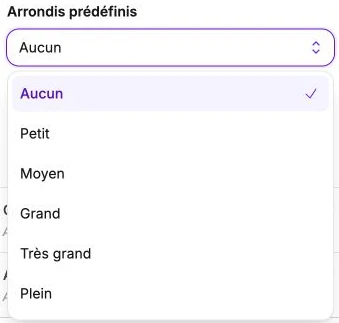
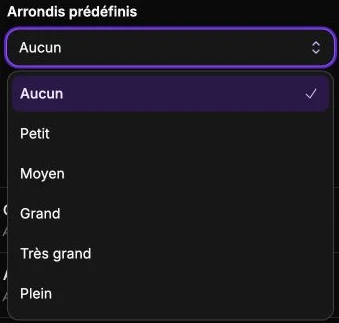
Predefined roundings
The Predefined roundings selector offers six ready-to-use values:
- None: straight corners.
- Small: slightly rounded corners (12 px).
- Medium: moderate rounding (24 px).
- Large: pronounced rounding (48 px).
- Extra large: strong rounding (64 px).
- Full: full rounding, turns a square into a circle.
Choosing a preset applies the same value to all four corners.
Corner roundness
For one custom rounding value for all corners, drag the Corner roundness slider between 0 and 500 pixels.
Edit each corner
Click Edit each corner to expand the four individual sliders:
- Top left corner
- Top right corner
- Bottom right corner
- Bottom left corner
Useful to create a card with only the top rounded (top left and top right) and a flat bottom, or for "petal" or "tab" graphic effects.
Reset
The Reset settings button clears every radius and reverts to straight corners.