

HTML code
Use HTML code to add custom content that the other elements cannot display, such as visitor-measurement code or a small tool supplied by another service (a widget). You paste a piece of HTML, sometimes called a snippet, into the page. This is an advanced option.
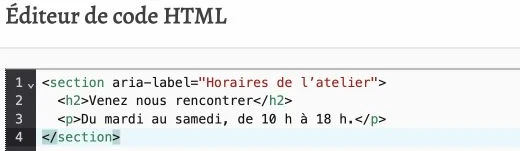
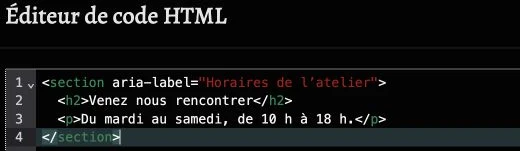
HTML code editor
Click Add HTML code (or Edit HTML code if code is already present) to open the editor in a large dialog. The editor has syntax highlighting to help you spot tags and attributes.
Confirm with Done to save the code, or Cancel to close without changing.
If the code contains errors or affects other parts of the site, this is where you should fix it. For global codes to insert into every page (Google Analytics, Meta Pixel, etc.), use the Codes page of the dashboard instead.
Style
The style panel offers no settings for this element: the block's appearance depends entirely on the HTML (and CSS) you insert.