

Footer
The Footer panel appears as soon as you click on the footer at the bottom of the canvas. The footer is shared across every page of the site: editing it here updates the entire site in one go.
Footer templates
The Select a template button opens a library of ready-to-use templates (legal notices, sitemap, social icons, contact form…). Hover over a template to Add it as is, or click Adapt content to have the AI rework it with your site's content. The current footer is then overwritten by the template.
A confirmation is asked before the replacement.
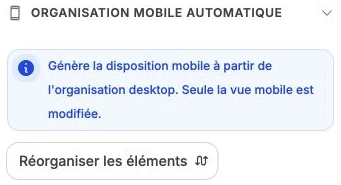
Automatic mobile layout
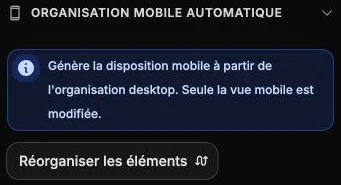
The Automatic mobile layout subsection generates the mobile layout of the footer's elements from their desktop organization, via the Reorder elements button. Only the mobile view is modified.
Footer style
The style panel gathers the background, inner spacing and border of the footer.
Add an element to the footer
To insert a new element (text, navigation, social icons, logo, form…), keep the footer selected then click Element in the top bar.