

Parallax image
The Parallax image element adds a background image with a parallax scroll effect: the image moves more slowly than the content scrolling over it, creating a sense of depth.
Edit the image
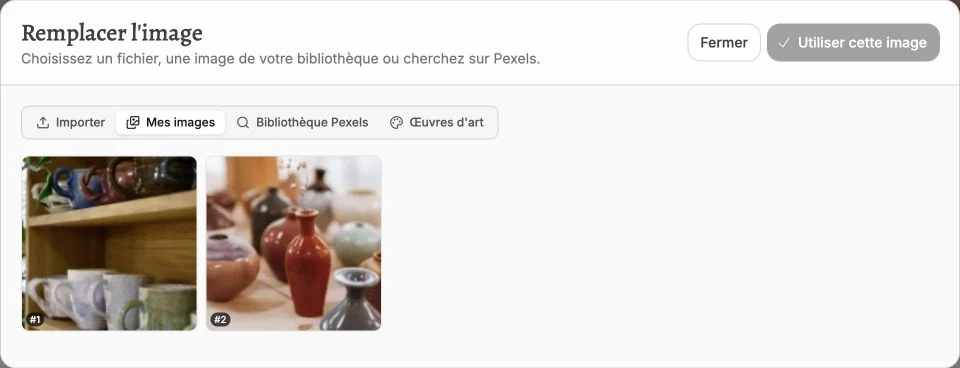
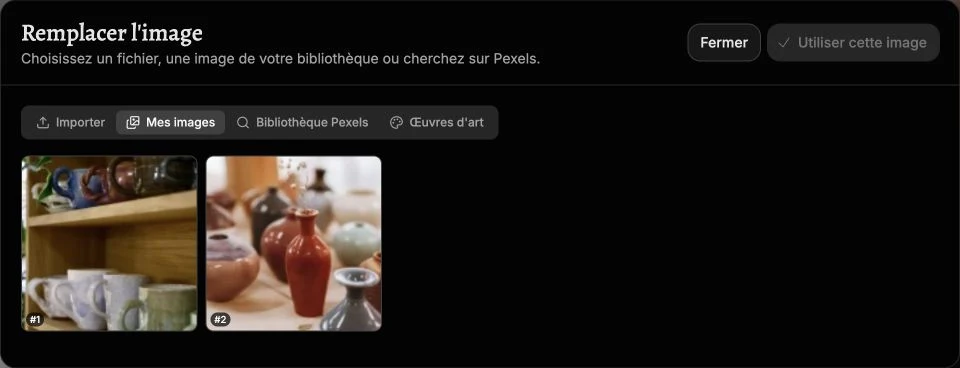
Below the preview in the side panel, click Replace to load another one, or Crop to keep only part of it. To optimize parallax rendering, prefer uploading a portrait-oriented image: the effect is more pronounced than with a landscape one.
Style
The style panel gathers the background, borders, corner radius, shadow, inner margins, filters and transitions. You can also frame the image in a device mockup (MacBook, iPhone…).