

Announcement bar
The Announcement bar element displays a banner at the top of the page to highlight a promotion, a one-off piece of information or a welcome message. It can contain several announcements that follow each other automatically.
Announcement list
The side panel shows the list of announcements. Each row shows the text and the linked URL. Click on an announcement to edit it, or use the list actions to duplicate, delete or add a new one.
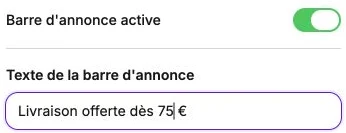
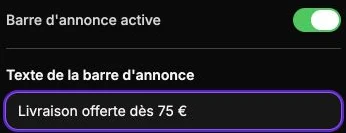
Edit an announcement
When you click on an announcement, you can access:
- Banner active: if you uncheck the option, the announcement is no longer shown but remains saved. Handy for temporarily suspending a promotion without losing it.
- Banner text: the message displayed.
- Action on click: like for a button, you can link the announcement to an external URL, an internal page, a product, a category, a PDF, etc. Leave empty for a non-clickable announcement.
- Text color and Background color: colors specific to this announcement.
- Banner duration: display time before moving to the next one (in seconds, between 1 and 8). Only matters if you display several announcements.
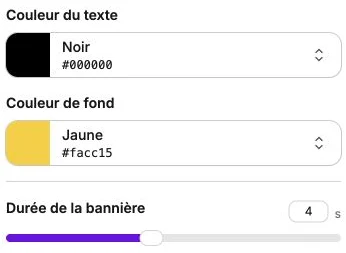
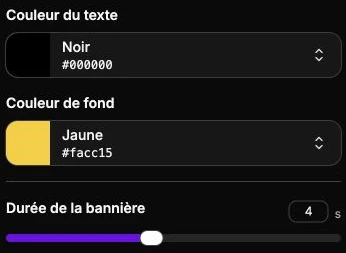
Animation direction
As soon as the bar contains more than one announcement, an Animation direction section appears. It sets the direction of the transition between two announcements: Upward (default), Downward, Leftward or Rightward.
Common style
The style panel gathers the text style, borders, corner radius, inner margins and positioning.
The background and text colors are not set here: each announcement carries its own colors, chosen in its entry in the list.