

Social media
The Social media element shows a row of clickable icons leading to your social profiles (Instagram, Facebook, LinkedIn, X, TikTok, YouTube, etc.).
Icon list
The side panel shows the list of icons with their name and the linked URL. Click on an icon to edit it, or use the list actions to duplicate, delete or add a new one.
Edit an icon
When you click on an icon, you can access:
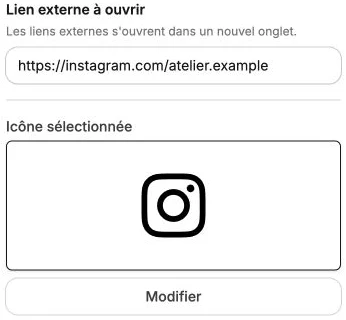
- Action on click: the URL or action triggered (usually an External link to your profile on the matching network). See the button for the full list of available actions.
- Selected icon: a preview of the current icon. Click Edit to open the icon library and choose another brand or style.
The library offers several icon sets: Action & informational icon (Heroicons), Brand and social media icon (Simple Icons), Lucide, Material Symbols, Radix Icons, Remix Icon, Solar and Noto Emoji. For social networks, prefer the Brand and social media icon set.
Icon style
The style panel gathers the Size and Color of the icons, their positioning (direction and alignments), background, borders, shadow, inner margins and transitions.
The Size and Color subsections apply to every icon of the block at once, for a consistent look.