

Button
The Button element is a clickable button that triggers an action or opens a link. Its text is edited directly on the canvas with the text editor with formatting options (double-click).
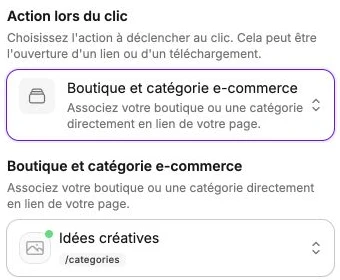
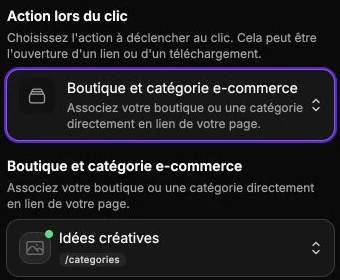
Action on click
The side panel offers an Action on click selector that decides what happens when the visitor clicks the button. Choose between:
- No action: the button triggers nothing (useful for a purely decorative button).
- External link to open: enter a full URL (for example
https://example.com). External links open in a new tab. To open a pop-up instead of changing page, paste thepopup:…target shown in its panel. - Email address: opens the visitor's mail client to write to you.
- Phone number: triggers a call on mobile (for example
+33612345678). - Anchor: points to a specific section of the current page.
- Blog and blog articles: links a blog page or article as the target.
- Site page: points to another page of your site.
- Store and e-commerce category: links the store or a category as the target.
- E-commerce product: links a specific product.
- Withdrawal page: sends your customers to the online withdrawal form.
- Customer account: sends your customers to their personal area.
- .pdf document: opens a PDF in a viewer, without leaving the page.
- .html file: displays a standalone HTML file (presentation, animation, interactive page) on top of the current page. Visitors can also open it in a new tab.
Depending on the action type chosen, an extra field appears to specify the target (URL, page, product, etc.). For the .pdf document and .html file actions, upload a file or pick one already imported from the My files tab: the same document can be reused on several buttons without uploading it again.
Button style
The style panel gathers:
- The text style of the label: font, size, color, case, weight, alignment.
- The Icon section: add an icon before, after, above or below the label, then set the space from the text, its color and optionally a background (with radius and padding).
- The background, borders, corner radius, shadow and inner margins.
- The vertical alignment of the content and the transitions.
The default button shape (square, slightly rounded, fully rounded) is set globally on the Themes page. The settings made here override the theme value for this button only.