

Rotate
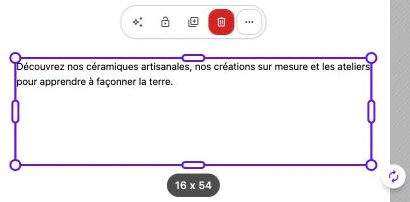
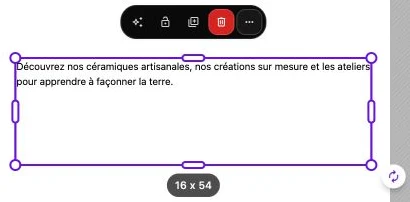
When a single block is selected, a rotation handle (circular-arrows icon) appears outside its bottom-right corner. Grab it to rotate the block around its center. The handle is not offered on a multiple selection.
Rotate with the mouse
Click on the handle and drag in a circular motion around the block. The rotation angle applies in real time on the canvas, letting you precisely target the desired tilt. While you move, a black pill next to the handle shows the current angle.
The angle is expressed in whole degrees and displayed between -180° and 180°.
Center of rotation
The block always rotates around its geometric center. If you need rotation around a different point, reposition the block first, then apply the rotation.
Reset the rotation
To cancel a rotation and return to a neutral orientation, turn the handle until you reach 0°. You can also use Undo in the top bar to revert to the previous state.
Rotation and resize
Once the block has been rotated, the resize handles remain available: they automatically align with the block's orientation and stretch within the rotated frame.