

Animation
Use Animation to choose how an element appears when it comes into view on the screen. Start with a preset, then adjust how long the effect lasts, how long it waits before starting, and any movement or rotation.
Preset animations
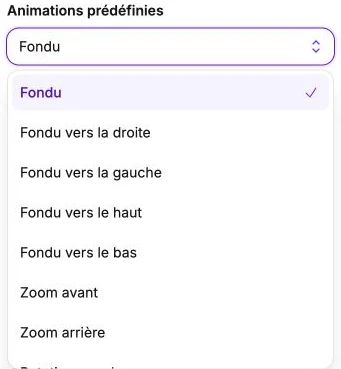
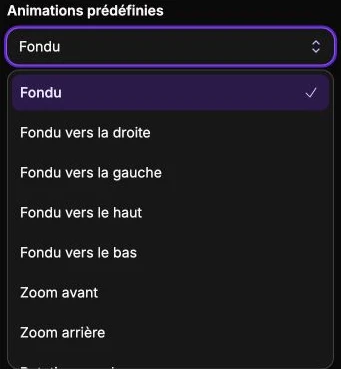
The Preset animations selector offers nine ready-to-use effects:
- Fade: the element appears with a fade, no movement.
- Fade right: fade + slide from the right.
- Fade left: fade + slide from the left.
- Fade up: fade + slide from the top.
- Fade down: fade + slide from the bottom.
- Zoom in: fade + progressive zoom toward the final size.
- Zoom out: fade + progressive zoom from a larger size.
- Rotate left: fade + rotation from the left.
- Rotate right: fade + rotation from the right.
Choosing a preset automatically configures the duration to 300 ms and the parameters below.
Fine settings
You can adjust each setting separately. Times are in milliseconds (ms): 1000 ms is one second.
- Animation duration (0–2000 ms): total animation time.
- Appearance delay (0–2000 ms): wait time before the animation starts, after the element becomes visible. Handy for cascading several elements.
- Sweep effect (-100 to 100 px): sideways movement at the start. Positive = comes from the right, negative = comes from the left.
- Lift effect (-100 to 100 px): upward or downward movement at the start. Positive = comes from the bottom, negative = comes from the top.
- Zoom effect (0–2): starting size compared with the final size. <1 = starts smaller and zooms in, >1 = starts larger and zooms out.
- Rotation effect (-180 to 180°): rotation angle at start.
Reset
The Reset settings button clears the animation: the element appears instantly, with no transition.