

Mockup
The Mockup subsection frames an image, video or iframe inside a device representation (phone, tablet, laptop, screen). Ideal for showcasing an app screenshot, a website or a demo video.
This subsection is only available on Image, Video, Before/after image, Parallax image and Iframe elements.
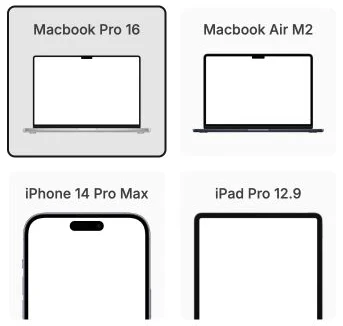
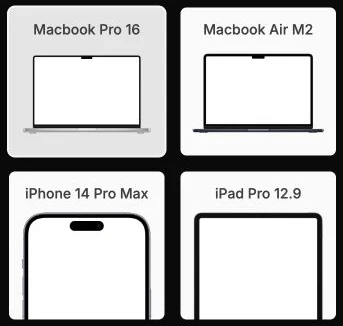
Choose a mockup
The panel displays five mockups in a grid, each with a preview of the appearance:
- Macbook Pro 16: Apple laptop, 16-inch format.
- Macbook Air M2: Apple laptop, more compact.
- iPhone 14 Pro Max: vertical smartphone.
- iPad Pro 12.9: large tablet.
- iMac 24: Apple desktop.
Click on a mockup to apply it. Click again on it to deactivate it.
Reset
The Reset settings button removes the mockup and the element returns to its normal rendering.