

Filter
The Filter subsection applies visual effects to an element (image, video, iframe): opacity, brightness, contrast, saturation, hue, grayscale, blur and sepia. Particularly useful to harmonize varied photos or to create an artistic rendering.
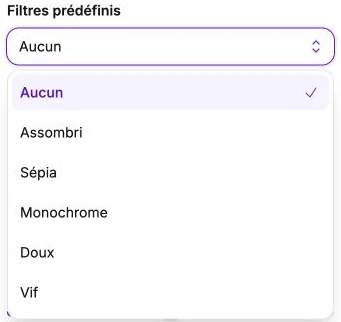
Preset filters
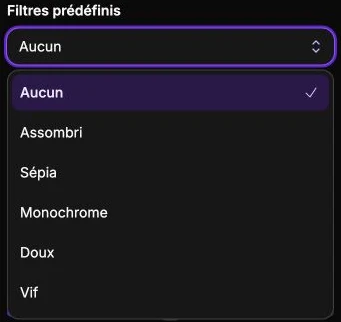
The Preset filters selector offers six ready-to-use presets:
- None: clears every filter.
- Dimmed: brightness cut in half, to darken an image under light text.
- Sepia: warm tone like an old photograph.
- Monochrome: image in black and white.
- Soft: increased brightness and slightly reduced contrast, for a bright, calm rendering.
- Vivid: increased contrast and saturation, for a punchier rendering.
Choosing a preset automatically configures the sliders below, which you can then refine.
Individual sliders
You can adjust each effect independently:
- Opacity (0–100%): overall transparency.
- Brightness (0–200%): brightens (>100) or darkens (<100).
- Contrast (0–200%): accentuates or dampens the difference between light and dark tones.
- Saturation (0–200%): intensifies the colors (>100) or fades them down to black and white (0).
- Hue (0–360°): rotates every color around the color wheel.
- Grayscale (0–100%): progressively desaturates toward black and white.
- Blur (0–20 px): applies a progressive blur.
- Sepia (0–100%): progressively applies the sepia tone.
These effects combine: you could for example apply 30% grayscale + 110% brightness for a retro look.
Reset
The Reset settings button clears every filter in one action.