

Product on sale
The Product on sale element presents an item or service from your catalog with its image, title and price. Clicking on it leads to the full product page.
Choose the product
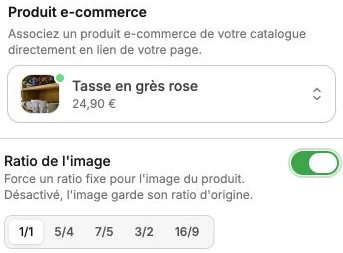
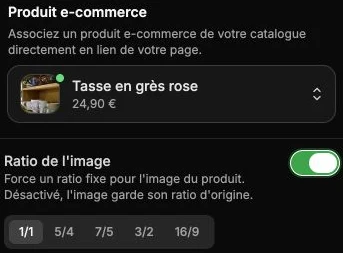
The main subsection offers an E-commerce product search field: type the name of the product you want to highlight and select it from the suggestions list. The block automatically displays the chosen product's information (image, title and price).
See the Products page to create or edit a catalog product.
Image ratio
The Image ratio option forces a fixed ratio for the product image (for example 1/1 for a square format, 3/2 for a landscape format, 16/9 for a wide format). The chosen ratio is applied uniformly, which lets you align several product blocks on the same page.
When disabled, the image keeps its original ratio (the one set in the product page).
Product style
The style panel gathers the text style (title and price), background, borders, corner radius, shadow, inner margins, vertical alignment and transitions.