

Section
The Section panel appears as soon as you click inside a section, outside any element. A section gathers the blocks that appear together (a banner, a product grid, a presentation block, a contact form…).
Section
The Section visible option lets you temporarily hide a section without deleting it. Disable it to prepare content in advance or to remove a promotion temporarily without losing it. While it's hidden, a warning The section is not visible to visitors reminds you in the editor.


Automatic mobile layout
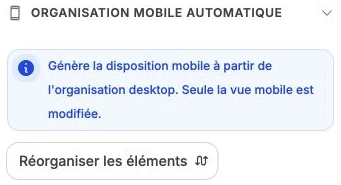
The Automatic mobile layout subsection generates the mobile layout of the section's blocks from their desktop organization. Click Reorder elements: only the mobile view is modified, the desktop view stays untouched.
Section style
The style panel gathers the common formatting: background (color, gradient or image), inner spacing and border. For a section, this is notably where you set the background color or load a banner image.