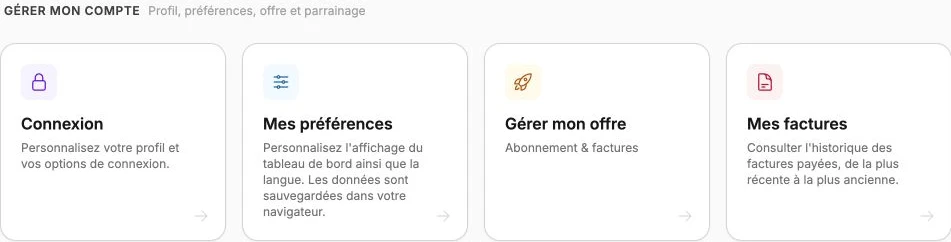
My account
The My account page is the home of your personal area: it brings together an overview of your usage, your available credit and quick access to every subsection of your account (sign-in, preferences, plan, referrals).
Come here to check that your plan still fits your activity, track your credit before the next billing, or quickly jump to any subsection of your account without going back through the side menu.
The dashboard is shown in French, with English captions.
Read the video steps
- — From Account, review the overview of your personal workspace.
- — Scroll to see your available credit.
- — Continue to the account management shortcuts.
Usage
This section shows, for every key resource of your account (pages, articles, products…), the share already used compared to your plan's cap. A visual gauge tells you at a glance whether you're approaching a limit. Your Monthly AI credit appears in the same list, shown as a percentage used.
The badge at the top right switches from Optimized to Limit reached as soon as a resource hits its cap. When a gauge fills up, it's a signal that it's time to consider upgrading: the View plan link at the bottom of the section leads straight to Manage my plan.
Credit
This section shows the available credit on your account. These credits are automatically deducted from your next invoice: you have no manual action to take for them to apply.
The three latest movements show directly in the block; the clock icon at the top right opens the full Credit history (date and amount), useful to understand where your current balance comes from. If you have an active subscription, the Share my code block at the bottom opens your referral program to generate new credits by inviting someone you know.
Quick access to subsections
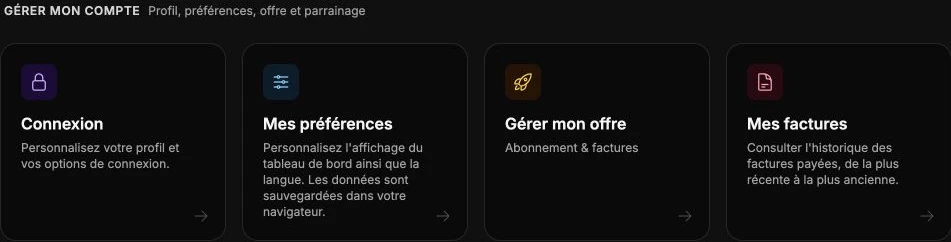
Below, shortcuts let you go directly to each subsection of your account: Sign-in for your credentials and passkeys, Preferences for the dashboard's theme, language and color, Manage my plan for your subscription, My invoices for your receipts and Notifications for your automatic emails.