Sections
The Sections page organizes your blog articles by major theme (for example News, Tips, Tutorials). Come here whenever you want to create a new category, group several articles under the same theme, edit a blog's title or description, or reorder the categories as they appear on the site.
Each article can belong to several categories, and a category can contain subcategories to refine the organization further.
The dashboard is shown in French, with English captions.
Read the video steps
- — In Sections, click “Create a section”.
- — The new section will be active and visible.
- — Enter the section name.
- — Add a short introduction.
- — Add an image that represents the workshop.
- — Open the Pexels library.
- — Search for a textile workshop image.
- — Select the sewing table and its materials.
- — The image is applied to the section.
- — Click “Save”.
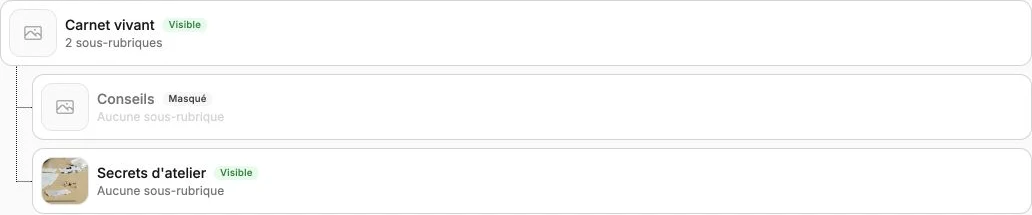
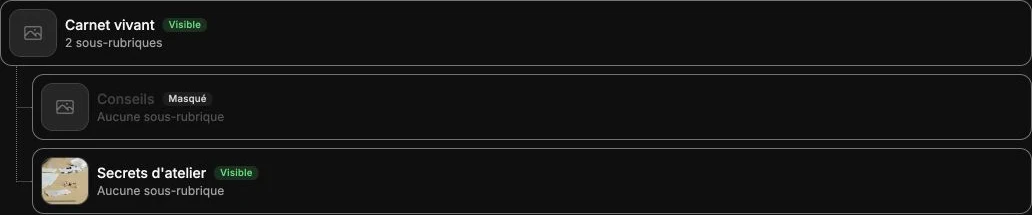
- — Secrets d’atelier appears with its image and Visible status.
Section list
This section presents the full hierarchy of your articles. The first item is the blog itself (title, description and image set in Settings), click it to edit this general information.
Click Create a section to add one at the root. To create a sub-section, hover over an existing section then click Add a sub-section.
Click on an existing section to edit its name, description or image, disable it or delete it. A disabled section is no longer accessible from the site, but the articles attached to it stay live.