

Article theme
This page controls the appearance of the article page, that is the template used to display each individual article. This template is shared by the whole blog: a single edit updates the presentation of all your articles.
Come here after picking the article list theme, to give the reading pages a matching layout.
Your changes are saved in one go with Save at the top of the page, or discarded with Cancel.
General
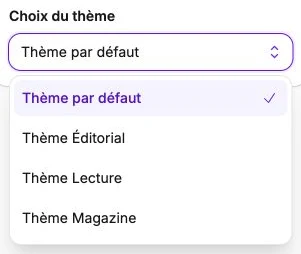
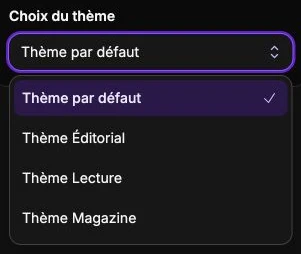
Pick a Theme: besides the default theme, three named themes are available. Editorial shows a reading progress bar at the top of the page and a side column for sharing. Reading narrows the article into a tight, centered column, with a link back to the list. Magazine opens each article on its photo as a large cover image, title overlaid.
Preview
The Preview shows your blog's first published article with the theme you have chosen, even before you save. Switch between Desktop and Mobile to check both versions. The preview updates as you change the settings.
Without a published article, the preview shows "No article to display": publish at least one article (the Article visible switch) to see and adjust the theme.