

Store on vacation
This page lets you restrict access to your store for a defined period, for example during holidays, a temporary closure or a wide-spread stockout. Come here whenever you go on holiday, when you need to suspend purchases while you restock, or when you want to warn your customers of extended delays.
Vacation mode automatically activates and deactivates on the dates you've planned, with no action on your part.
The dashboard is shown in French, with English captions.
Read the video steps
- — Choose how your store should work during your vacation.
- — Here, the store stays open with extended delivery times.
- — Update the start date.
- — Then choose the end date.
- — Customize the message shown to your customers.
- — Click “Save”.
- — The mode and dates are saved. The store will return to normal automatically.
Vacation mode
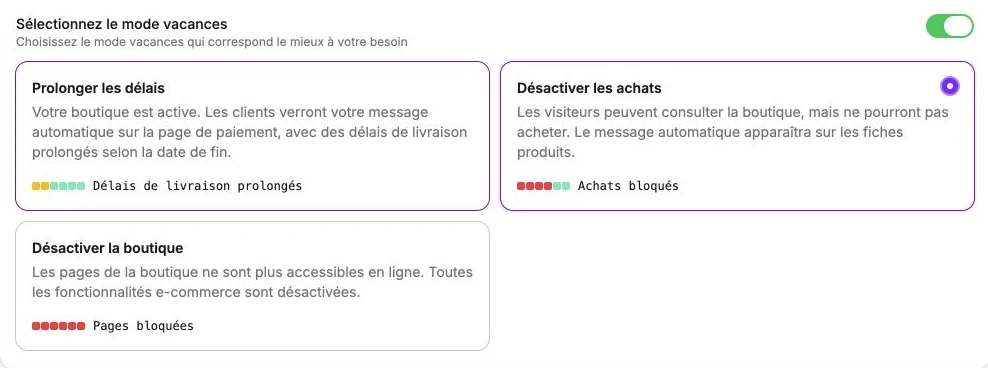
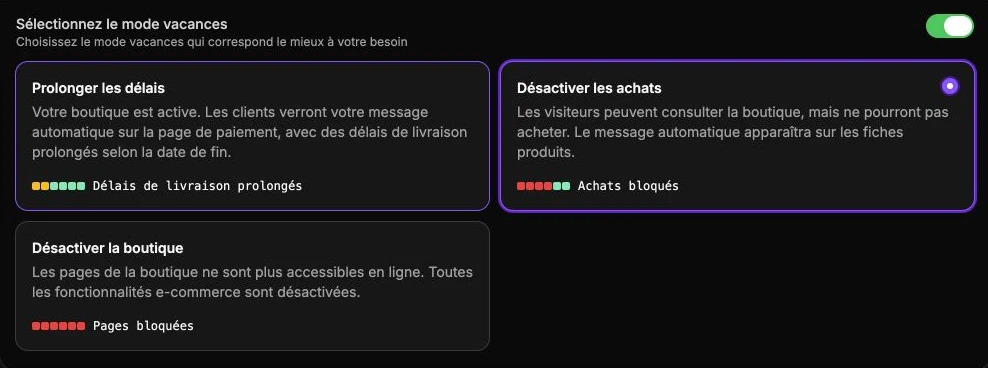
Vacation mode lets you extend delivery times or pause your store for a period you've defined. Start by activating Select the vacation mode, then choose between three levels, depending on the impact you want on your visitors:
| Mode | Store visible | Purchases possible | Message displayed | When to use it |
|---|---|---|---|---|
| Extend delays | Yes | Yes (longer delays) | Payment page | You keep shipping, but more slowly |
| Disable purchases | Yes | No | Product pages | Short absence, catalog kept |
| Disable the store | No | No | None | Full closure, no e-commerce features |
Dates and message
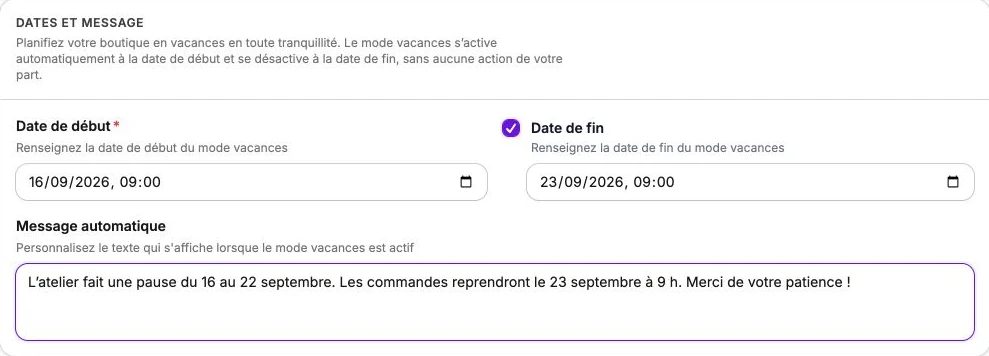
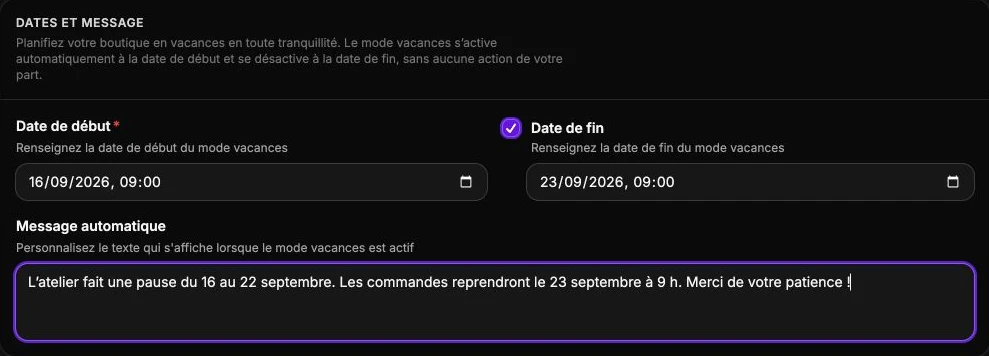
Plan your store vacation with peace of mind. Vacation mode automatically activates on the start date and deactivates on the end date, with no action on your part.
- Start date: set the start date of vacation mode. From that moment, the selected mode applies on your site.
- End date: set the end date of vacation mode. Tick the box to set it; once reached, the store resumes normal operation. Mandatory for Extend delays mode, since the message announces to customers when normal service will resume.
- Automatic message: customize the text shown when vacation mode is active, for example: "We're taking a summer break from August 4 to 21. See you back on August 22 for your orders!"
Don't forget to click Save to schedule the period.