

My preferences
Choose how your dashboard looks: its light or dark theme, language and main highlight color.
Come here whenever you want to change the dashboard language or adjust the interface's main color so it better matches your reading comfort. To only switch to dark mode, the Theme submenu under your avatar, at the bottom of the sidebar, is enough. These preferences are saved in your browser: they are therefore specific to each device you sign in from.
The dashboard is shown in French, with English captions.
Read the video steps
- — Under “Color theme”, choose a new color.
- — Check the blue color in the interface, then save.
- — The new color is saved.
My preferences
Three settings are available:
- the display theme (light, dark, or follow system),
- the language of the dashboard,
- the color theme of the interface.
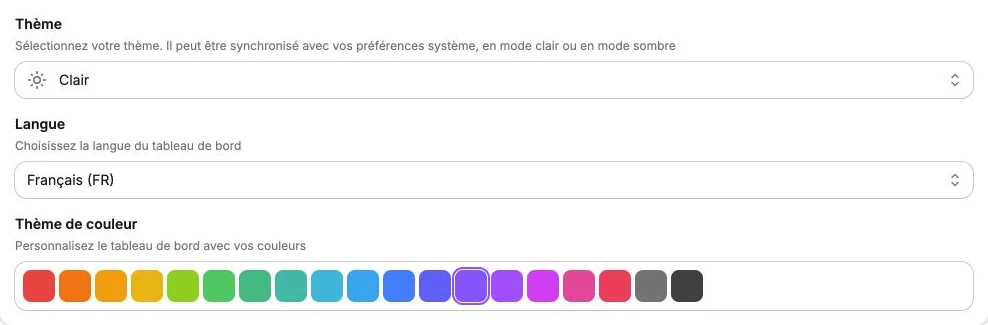
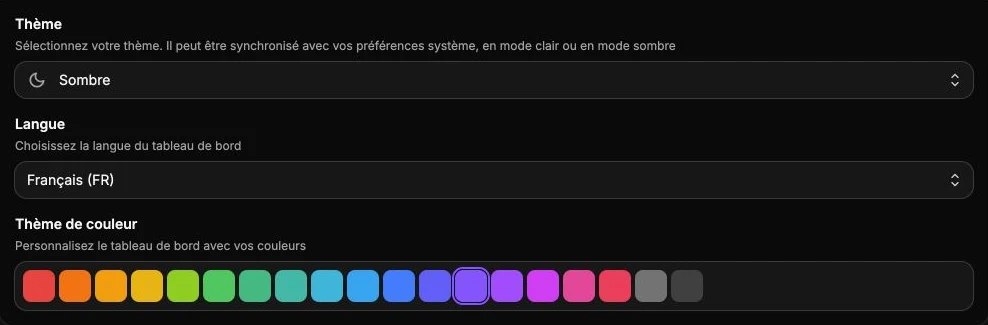
Adjust the values you want then click Save to keep them. Cancel restores the previous values.
The changes are stored locally in your browser: if you sign in from another computer or browser, you'll need to set them again.